
Home » Lead Source and Marketing Attribution Tracking in Apptivo CRM » How to track TikTok ad parameters in Apptivo CRM
Watch lead source tracking in action
You’re running TikTok ads and sending leads into Apptivo CRM, but you have no way to tell which ad brought in each lead.
Without proper tracking, it’s easy to pour money into multiple TikTok campaigns without knowing which ones actually generate results.
In this guide, we’ll show you a method to connect every lead to the exact TikTok campaign, ad group, and ad that drove it.
LeadSources is a marketing attribution software that tracks the UTM parameters behind every lead you generate.
When a visitor converts into a lead, LeadSources automatically captures the ad UTM parameters from the URL and injects them into Apptivo CRM.
Each lead comes with a detailed lead source report, including:
LeadSources doesn’t just work for TikTok ads, it tracks all marketing channels, including PPC, SEO, social, PR, and email campaigns.
Thanks to a robust attribution algorithm, LeadSources ensures 100% accurate lead tracking:
Imagine a user visits your site from a TikTok ad but leaves without filling out your form.
Four months later, the same user returns via organic search on Google and completes the form.
LeadSources records every previous visit and delivers a complete lead source report, capturing all sessions (from the first click to the final form submission).
By tracking the full lead journey, you gain a clear understanding of how each marketing channel contributes to your lead generation efforts.
This insight allows you to calculate the exact ROI for every channel that played a role in the conversion.
Sign up to LeadSources (we offer a 14-day free trial).
Enter the URL of the website you want to track.
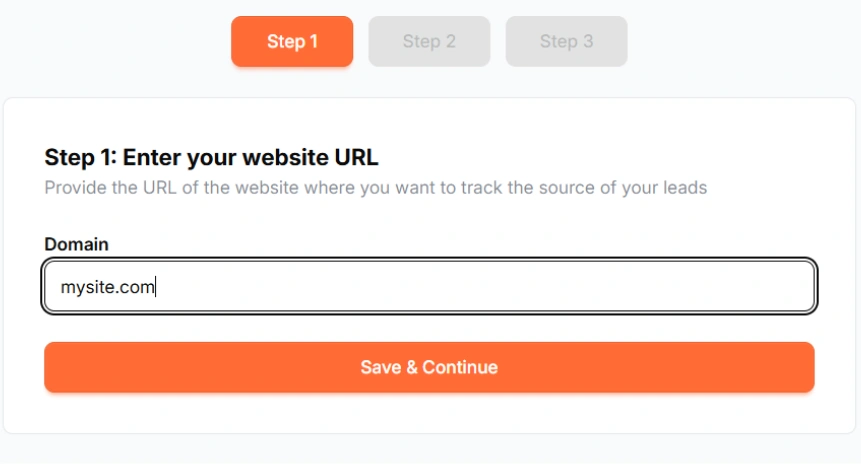
Copy and paste your LeadSources tracking code into the <head> section of your website.

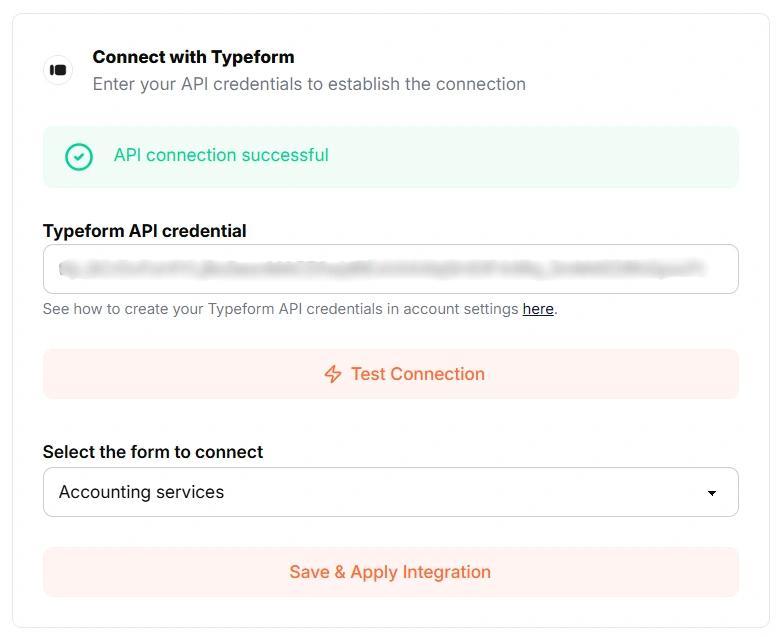
Connect your form in one click with our native integrations.
Select the form you want to track.
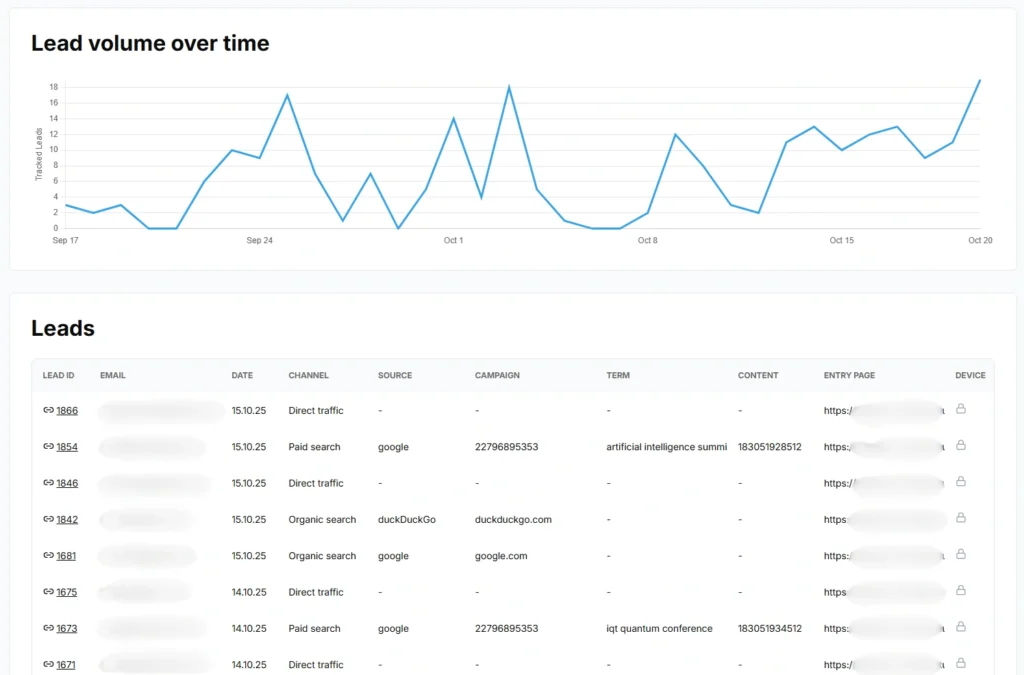
LeadSources will start tracking the TikTok ad UTM parameters for every lead you generate.
You can send to Apptivo CRM the following TikTok ad UTM parameters for each lead:
Yes. You can send TikTok ad UTM parameters to Apptivo CRM using LeadSources:
LeadSources collects the following TikTok ad UTM parameters for each lead you generate (Make sure to add them to the URLs of your different marketing campaigns):
Besides the UTM parameters, the following lead source data is also appended to each lead:
This data is available in your LeadSources dashboard.
You can send the following last-touch attribution data to Apptivo CRM:
As multi-touch attribution software, LeadSources tracks TikTok ad UTM parameters throughout the entire customer journey (from first click to lead submission). This data is displayed on your LeadSources dashboard.
From there, you can send the last-touch attribution data (including TikTok ad UTM parameters) in Apptivo CRM.
Start your free trial today and track the full source of every lead throughout their journey.
