
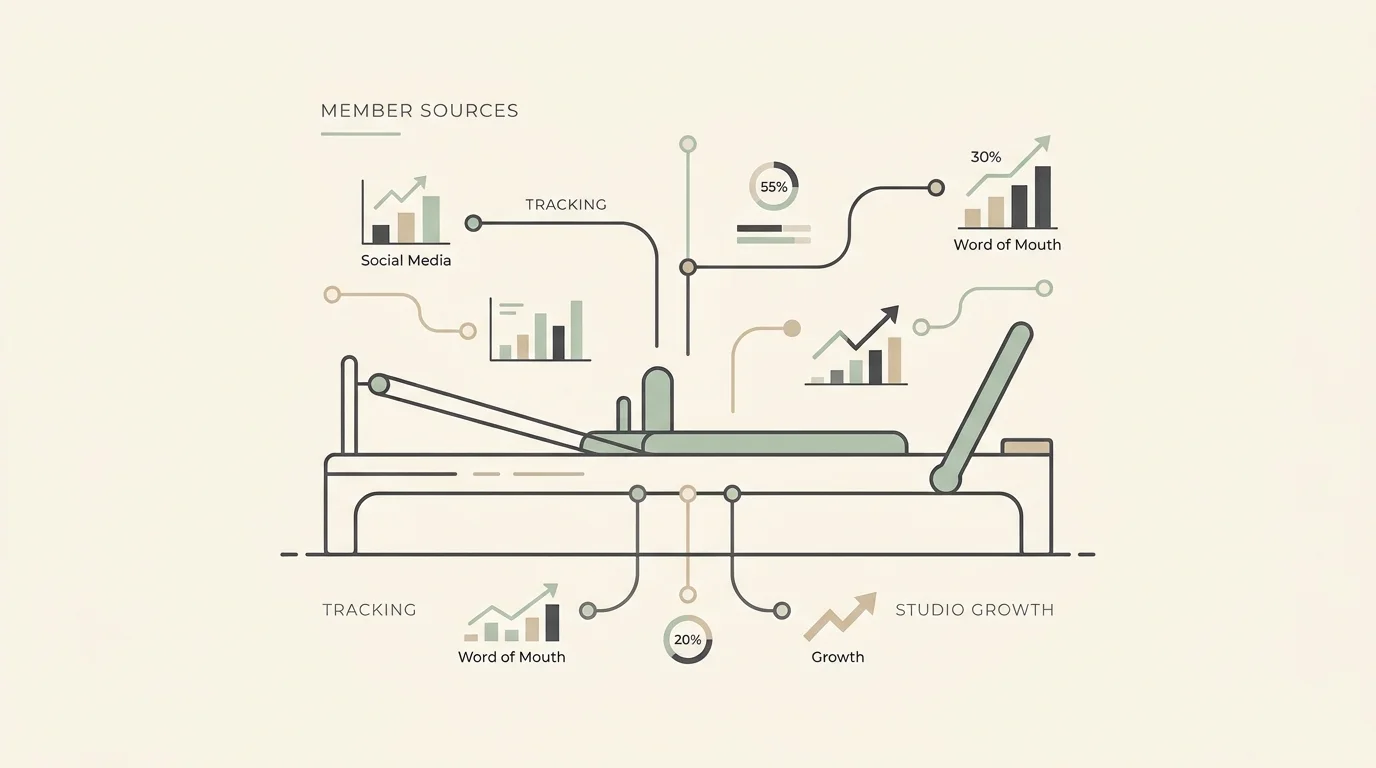

Most Pilates studios cannot tell which channel brings in members. Bookings start in Instagram DMs, on Google Maps and inside marketplaces like ClassPass, and none of them reliably report where the person came from. The fix is to capture the source at three moments: the first click, the booking on your pilates scheduling app, and a direct question to the new member.
This guide covers the five sources that bring in studio members and how to track each one. It also gives a five-step setup and the metrics worth reviewing every month.
Why studio owners cannot see where members come from
Most studio leads arrive through channels that do not pass source data, so they end up labeled “direct” in analytics or are never recorded at all. A studio that cannot see its sources spends on the wrong channels and cannot tell which marketing is working.
Instagram DMs hide the source
A prospect who replies to a Story or sends a DM is an Instagram lead, but no analytics tool records it. The conversation moves to WhatsApp, a phone call or a booking page, and the Instagram origin is lost.
Google Business Profile hides calls and map bookings
A prospect who finds a studio on Google Maps may tap “Call”, request directions or click the booking link. Google Business Profile shows these actions in its performance report, but they are not linked to an individual booking unless the booking link carries a tracking tag.
Marketplaces such as ClassPass own the customer relationship
A ClassPass user books through the ClassPass app. The studio sees a name and a class, but not whether that person would ever have booked directly or later converted to a membership.
Walk-ins and word of mouth leave no digital trace
A friend recommending a studio over coffee produces no click, no cookie and no UTM parameter. These members only appear in your data if someone asks them how they found you.
Branded studio apps break link tracking
When members book inside a studio’s own app, such as the branded client app in Pilates Scheduling Software, UTM tags do not follow them through the App Store or Google Play download. The click is recorded on the website, but the signup happens later inside the app, and the two are never connected. Capture the source before the download, for example in the landing page form where a prospect first leaves an email address.
The 5 sources that bring in studio members, and how to track each
Five sources account for nearly every new member at a boutique Pilates studio: Instagram, Google Business Profile, paid ads, ClassPass and other marketplaces, and referrals. Each one needs a different tracking method.
1. Instagram: link in bio, Stories and DMs
How it shows up. Prospects tap the link in your bio, swipe up on a Story link sticker, or send a DM asking about prices and class times.
How to track it. Put a UTM-tagged booking link in your bio and a different tagged link in each Story or Reel campaign. For DMs, send the tagged link in your reply and record “Instagram DM” as the source in your member notes.
What to record. Source (Instagram), medium (bio link, story or DM) and the Reel or campaign name.
2. Google Business Profile and local search
How it shows up. Prospects search “reformer Pilates near me”, find your listing on Google Maps, then call, request directions or click through to book.
How to track it. Add UTM parameters to the website link and the booking link in your Google Business Profile. Review the profile’s performance report monthly for calls and direction requests, since these actions cannot be tagged.
What to record. Source (Google), medium (organic) and campaign (gbp). Log phone inquiries manually as “Google Business Profile call”.
3. Paid ads on Meta and Google
How it shows up. Prospects click an Instagram or Facebook ad, or a Google search ad, and land on an offer page such as an intro class.
How to track it. Tag every ad URL with UTM parameters that name the campaign and the ad set. Meta lead forms and Google Ads record the campaign automatically, so pass that value into your booking system instead of retyping it.
What to record. Source (Meta or Google), medium (paid), campaign name and ad spend per campaign.
4. ClassPass and other marketplaces
How it shows up. A ClassPass user books a single class in your studio through the ClassPass app.
How to track it. Tag these clients as “ClassPass” in your system, then track how many later buy an intro offer, a class pack or a membership directly from your studio.
What to record. Source (ClassPass), number of visits and whether the person converted to a direct purchase. A ClassPass visit is a lead, not a member.
5. Referrals and word of mouth
How it shows up. An existing member recommends your studio to a friend, a colleague or a family member.
How to track it. Add a required “Who referred you?” field to the booking form and offer a referral reward so members have a reason to mention their name.
What to record. Source (referral) and the name of the referring member.
How to set up lead source tracking in 5 steps
Use one tagged link per channel, one booking flow, and a required “How did you hear about us?” field. This setup takes an afternoon and works with Google Analytics 4 (GA4) or any booking system that stores a source field.
- Tag every link with UTM parameters. UTM parameters are short tags added to the end of a URL. They tell analytics tools which source, medium and campaign sent the visitor. Use the same naming every time, in lowercase.
- Add UTM parameters to your Google Business Profile links. Tag the website link and the booking link so that Google Maps visitors are not counted as direct traffic.
- Give each channel its own booking link. Your Instagram bio, your Meta ads and your email newsletter should each send people to a separately tagged version of the same booking page.
- Add a required “How did you hear about us?” question. Use a dropdown with fixed options, not free text. Include Instagram, Google, a friend or member, ClassPass, an ad, walk-by and an AI assistant such as ChatGPT. Ask it on the first form a prospect completes, such as your website’s intro-offer form, because that is where you still know how they found you.
- Store the source against each client. The source should stay attached to the person from first inquiry to membership. If your booking app has no source field, record it where you first collect contact details, such as your website form, and keep it in a simple sheet next to the client’s name. Then match it to each client’s credit purchases when you fill in the Source Map.
Use this naming convention to keep your data clean:
| Channel | utm_source | utm_medium | utm_campaign (example) |
|---|---|---|---|
| Instagram bio link | social | bio-link | |
| Instagram Story | social | story-intro-offer | |
| Google Business Profile | organic | gbp | |
| Meta ads | meta | paid | spring-intro-class |
| Google Ads | paid | reformer-near-me | |
| Email newsletter | newsletter | monthly-update |
A complete tagged link looks like this: yourstudio.com/book?utm_source=instagram&utm_medium=social&utm_campaign=bio-link.
From first inquiry to member: the metrics that matter
Track four numbers for every source: inquiries, trial bookings, new members and revenue. Together they show which channel produces members, not just clicks.
Cost per member and lifetime value
Cost per member (also called customer acquisition cost, or CAC) is the spend on a channel divided by the new members it produced. Lifetime value (LTV) is the average monthly revenue per member multiplied by the average number of months a member stays. A channel is worth funding when its LTV is clearly higher than its cost per member.
The LeadSources Studio Source Map
The LeadSources Studio Source Map is a one-page grid that lines up every source against every funnel stage, its cost and its revenue. Fill one row per source and review it monthly. It replaces scattered reports with a single view of which channels earn their budget.
| Source | Inquiries | Trial bookings | New members | Spend | Cost per member | Revenue, first 90 days |
|---|---|---|---|---|---|---|
| Google Business Profile | ||||||
| Meta ads | ||||||
| ClassPass | ||||||
| Referrals |
The trial-to-member rate for each source is new members divided by trial bookings. A source with many inquiries but a low trial-to-member rate attracts the wrong audience or loses people after the first class.
Tracked data vs self-reported data: you need both
Tracked links miss DMs, walk-ins and word of mouth, and self-reported answers fill that gap. Neither method is complete alone, so studios should run both.
What tracked data captures
Tracked data comes from UTM links, ad platforms and your booking system. It is precise for clicks and online bookings, and it shows which campaign, ad or post sent each visitor.
What self-reported data captures
Self-reported data comes from the “How did you hear about us?” question. It captures the influence of friends, walk-by traffic, Instagram conversations and AI assistants, which never appear in a click report. Someone who hears about your studio from ChatGPT or a friend will often search your name on Google later, and analytics will label that visit “organic” or “direct”.
How to combine the two
Compare both views in your Source Map each month. If tracked data says Google brings most members but members say “a friend” most often, the Google visit was probably the last step of a referral journey. This is the same reason LeadSources records the full journey of a lead instead of only the last click: the first touch and the last touch often differ.
5 common lead source tracking mistakes in Pilates studios
The five mistakes below account for most of the bad data studios collect. Each one has a simple fix.
- Using untagged links. A link without UTM parameters is counted as direct traffic. Tag every link you publish, including the one in your Google Business Profile.
- Using a free-text source field. “IG”, “insta” and “Instagram” become three different sources. Use a dropdown with fixed options.
- Not following up on trial bookings. A trial that is not followed up within 24 hours rarely becomes a member, and the source gets blamed for the loss. Track follow-up alongside the source.
- Counting ClassPass visits as members. A ClassPass visit is a lead. Count a member only when the person buys a pack or membership.
- Not reviewing the data monthly. Tracking without review is just storage. Fill in the Source Map once a month and change one thing based on it.
FAQ: tracking where Pilates studio members come from
Put a UTM-tagged booking link in your bio and in every Story or Reel campaign. For DMs, reply with a tagged link and record “Instagram DM” on the member record. Add a source question to your booking form to catch everything the links miss.
A UTM link is a normal URL with tracking tags added at the end, such as utm_source=instagram. When someone clicks it, GA4 or your booking system records which source, medium and campaign sent them.
Edit the website and booking links in your profile and add utm_source=google, utm_medium=organic and utm_campaign=gbp to each URL. Visitors from Google Maps then appear under that source instead of “direct”.
ClassPass is worth it when a meaningful share of its users later buy an intro offer or membership directly. Tag ClassPass clients separately and measure that conversion rate. If almost none convert, ClassPass is filling empty slots rather than building your membership base.
Review them once a month using the Source Map, and do a deeper review every quarter. Monthly reviews catch problems such as a broken booking link, and quarterly reviews show which channels deserve more budget.
