
Track TikTok ads in your online form

Are your TikTok ads running, but you can’t track which one brought in your leads, sales, and revenue? You can see the total lead count for each TikTok ad but lack lead source data insight for individual leads. This makes it difficult to identify which ad led to conversions, making budget optimization challenging. LeadSources solves […]
Track LinkedIn ads in your form

Are your LinkedIn ads running, but you’re unsure which ones bring in actual leads, sales, and revenue? You might know the total leads from each ad, but without detailed tracking, it’s hard to see which LinkedIn ad converts into customers. This makes it difficult to optimize your budget effectively. LeadSources solves this by capturing LinkedIn […]
Track your Facebook Ads data in your online form (without code)

Are your Facebook ads bringing in the most leads, sales, and revenue? You may know how many leads each ad generates, but pinpointing the exact source can be challenging. Without clear insights into which ads perform best, optimizing your marketing strategy becomes difficult. LeadSources helps you track the source of your leads across campaigns, Ad […]
Add Google Ads UTM parameters (3 easy steps)

Adding Google Ads UTM parameters allows marketers to track the performance of their Google Ads. With the right setup, they can even track the UTM parameters directly in their lead form (using LeadSources). Let’s go through 3 easy steps to add UTM parameters automatically in all your campaigns. Then, we will review how to track […]
ROI tracking: How to accurately track your marketing ROI

What is ROI tracking? ROI tracking is the action of measuring the return on investment of your marketing channels. The formula used to calculate ROI ROI = (Revenue of Campaign – Cost of the Campaign) / Cost of the Campaign Example 1: If I run a Google Ads for $1,000, and generate $2,000 in revenue […]
Pipedrive Custom Fields: The Ultimate Guide
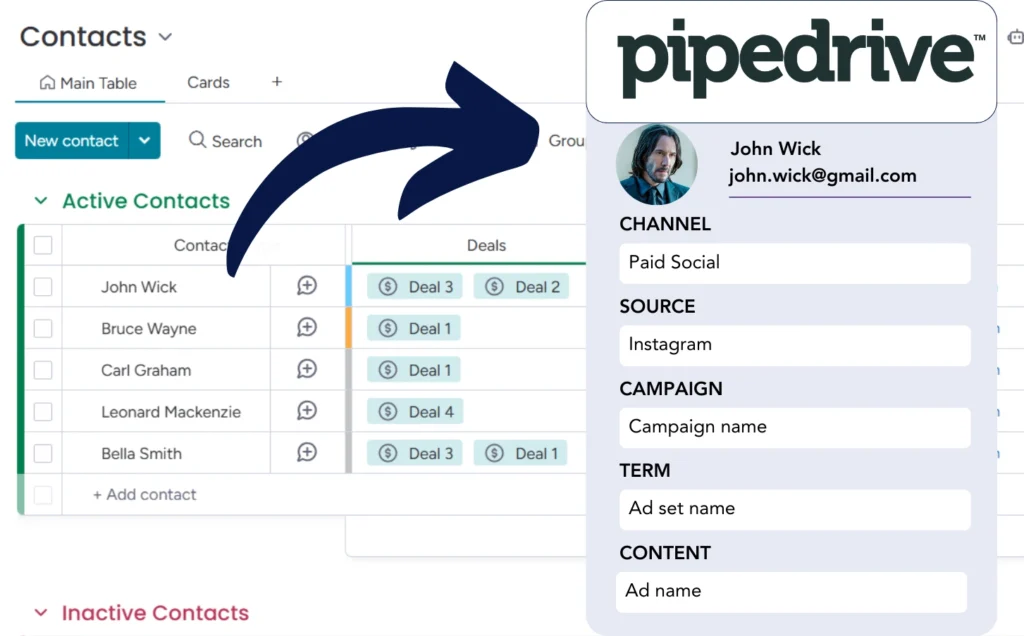
Adding custom fields in Pipedrive allows you to track more information about your leads. Custom fields are personalized lead fields that you can add manually in Pipedrive. I’ll show you in this quick guide how to add custom fields in Pipedrive. Then, I will show you how to use the custom fields to track the […]
How to capture YouTube Ads data in Pipedrive (without coding)

✔️ Capture YouTube Ads data on a lead level
✔️ Store YouTube Ads data in Pipedrive
How to track UTM parameters in your CRM

Why tracking UTM parameters in your CRM? 🔗 UTM parameters are added to URLs to track the marketing performance across different traffic sources. These parameters include utm_source, utm_medium, utm_campaign, utm_term, and utm_content, each providing specific data about how visitors arrived at your website. As leads arrive at your CRM from different lead sources, UTM parameters […]
How to track UTM parameters in your form

Tracking the UTM parameters in your form can provide valuable insight into your marketing strategy, allowing you to understand where your leads are coming from, target your communication with your leads depending on the channel they are coming from, and improve your ROI on ads by understanding what ads bring leads, sales, and revenue. In […]
Capture UTM parameters into Salesforce (without code)
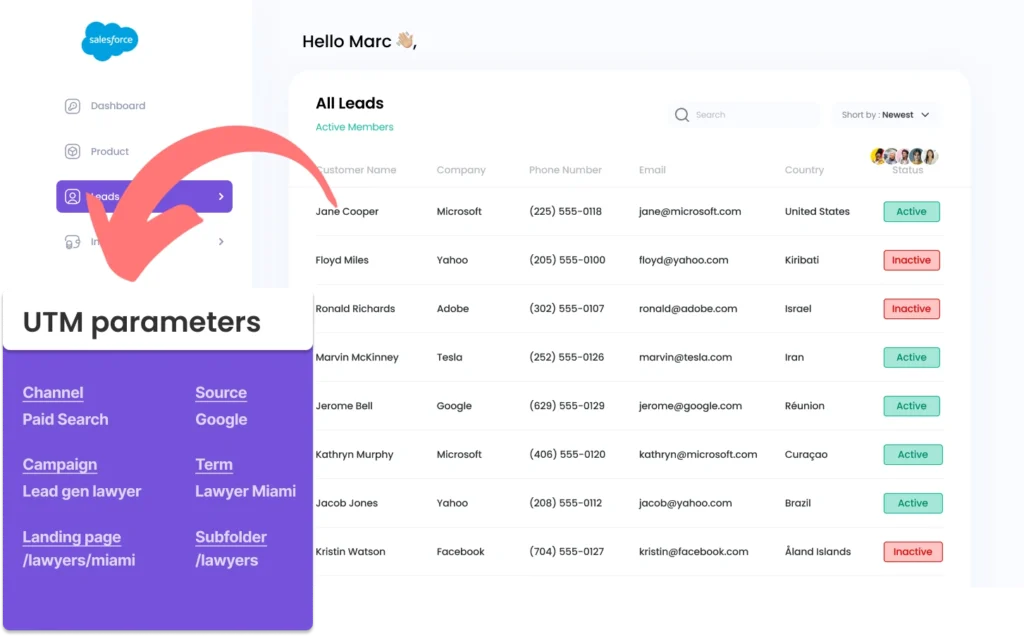
Capturing UTM parameters in Salesforce can be tricky, especially for those without coding knowledge. What if there was an easy way to get UTM parameters into Salesforce, without needing any coding skills? Meet Leadsources.io! Leadsources is a lead tracking tool that acts as an intermediary between your UTM parameters and your CRM (in this case, […]